Tattoo Studio
A still-photo editor for deliberate placement and composition.
- Body photo
- Depth-aware warping
- Multiple editable tattoo layers
 AI Tattoos
Upload a photo, see it on you
Upload a photo of your arm, shoulder, or wherever you are planning ink, and place any design on it with realistic, depth-aware fit. This is a real tattoo preview built from your own photo, not a shaky camera filter.

TRY THE PLACEMENT
This lightweight web demo uses a prepared arm image. In the app, Studio builds the placement surface from your own photo and gives you the complete layer editor.
A flat image on a screen cannot tell you how a tattoo will actually sit on your body. Size, placement, and the way a design wraps around a curve are things you can only judge against your own skin. Tattoo try-on closes that gap: upload a photo of the spot you have in mind and place the real design on it, at real scale, exactly where you plan to put it, so there is no guessing once the needle starts.
For first-timers especially, that certainty matters. Trying on a tattoo before booking a session means walking into the studio already sure about size and placement, not hoping it looks right once it is permanent.
Most "try on a tattoo" apps are a shaky live-camera filter that loses tracking the moment you move. This tattoo try-on works differently: you upload a still photo, and Studio analyzes the body area, separates it from the background, and estimates its depth. The design then warps naturally around the curve of your arm or shoulder instead of sitting on top like a flat sticker, so you can compose the placement carefully instead of chasing a jumpy camera feed.
Try-on is not limited to a single design. Place several tattoos on the same photo, each on its own editable layer: build a sleeve piece by piece, test a patchwork look, or check how a new design sits next to the ink you already have. Because the preview starts from your own photo, your skin tone, your scars and your existing tattoos are part of the picture — not a generic 3D body model.
Once the placement feels right, take it further with AI: blend the design into your skin for a photorealistic result. Live placement first, realism second — that order keeps iteration fast, instead of waiting for a full AI render every time you nudge a design by a centimeter.
Try on anything AI Tattoos can create: a design from the AI tattoo generator, a piece turned from a photo with image to tattoo, or ink-ready art from sketch to tattoo. Generate, restyle, and preview it on your own body photo, all in the same flow. Layer more than one design, move each independently, and adjust opacity until the composition feels right.
Take or choose a photo of the body part where you are planning the tattoo, an arm, shoulder, leg, wherever.
Pick or generate a tattoo design, then drag it onto the photo. It warps to fit the shape of your body as you move and resize it.
Layer more designs, adjust opacity, and compare placements until you are confident about size and position.
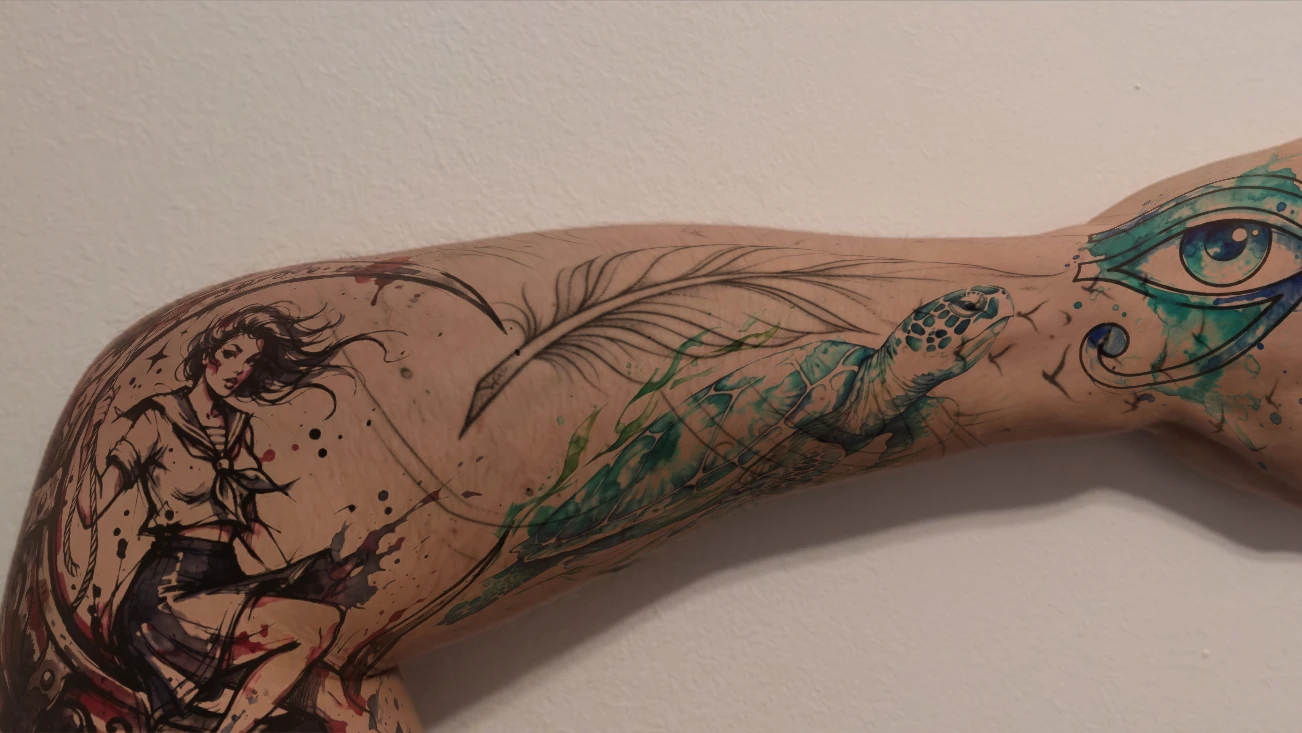
A BODY-AWARE EDITOR
Studio analyzes the body area, separates it from the background and estimates its depth. That lets tattoo layers bend toward the edges while you keep editing them live.
Tattoo designs warp with the photographed body instead of staying as rigid rectangles.
Move individual tattoos around the photo and compare placements without starting over.
Adjust properties such as opacity so every layer sits more naturally on the skin.
TWO WAYS TO PREVIEW
Use Studio when you want to compose carefully on a still image. Use AR when you want to see a design track your moving body through the camera.
A still-photo editor for deliberate placement and composition.
A camera preview for seeing a tattoo move with you in real time.
Upload a photo of the body part you have in mind, then place any tattoo design on it. Studio analyzes the body area and its depth so the design warps naturally to the shape of your skin instead of sitting flat.
It is photo-based, not live AR. You upload a still photo and place the design on it with depth-aware fit, which gives a steadier, more accurate preview than a live camera filter. A separate, lighter live-AR preview also exists at /ar-tattoo/ if you want to see a design move on your skin through the camera.
Yes. Anything the app can create works with try-on: designs from the AI tattoo generator, from the gallery, or turned from a photo or a hand-drawn sketch.
Yes. Studio supports multiple editable layers, so you can place, move, and compare several designs on the same photo, adjusting opacity for each.
Yes. AI Tattoos is free to download, with in-app purchases available. You can try tattoo placement on your own photo without any upfront cost.
Yes. AI Tattoos is available on both the App Store and Google Play.
Upload a photo, place any design with realistic fit, and walk into the studio already sure about size and placement.