 AI Tattoos
Real placement, on your photo
Your AI tattoo generator: create, edit and try on tattoos.
Start with a prompt, photo, or sketch. Explore fresh tattoo ideas, refine the style, then try the design on a photo of your own body — realistic, depth-aware placement.
The machine
Nine ways to shape your next tattoo
Create the idea, test its placement, find your style and the right artist, and see the design move on your skin before you commit.
-
Tattoo Try On

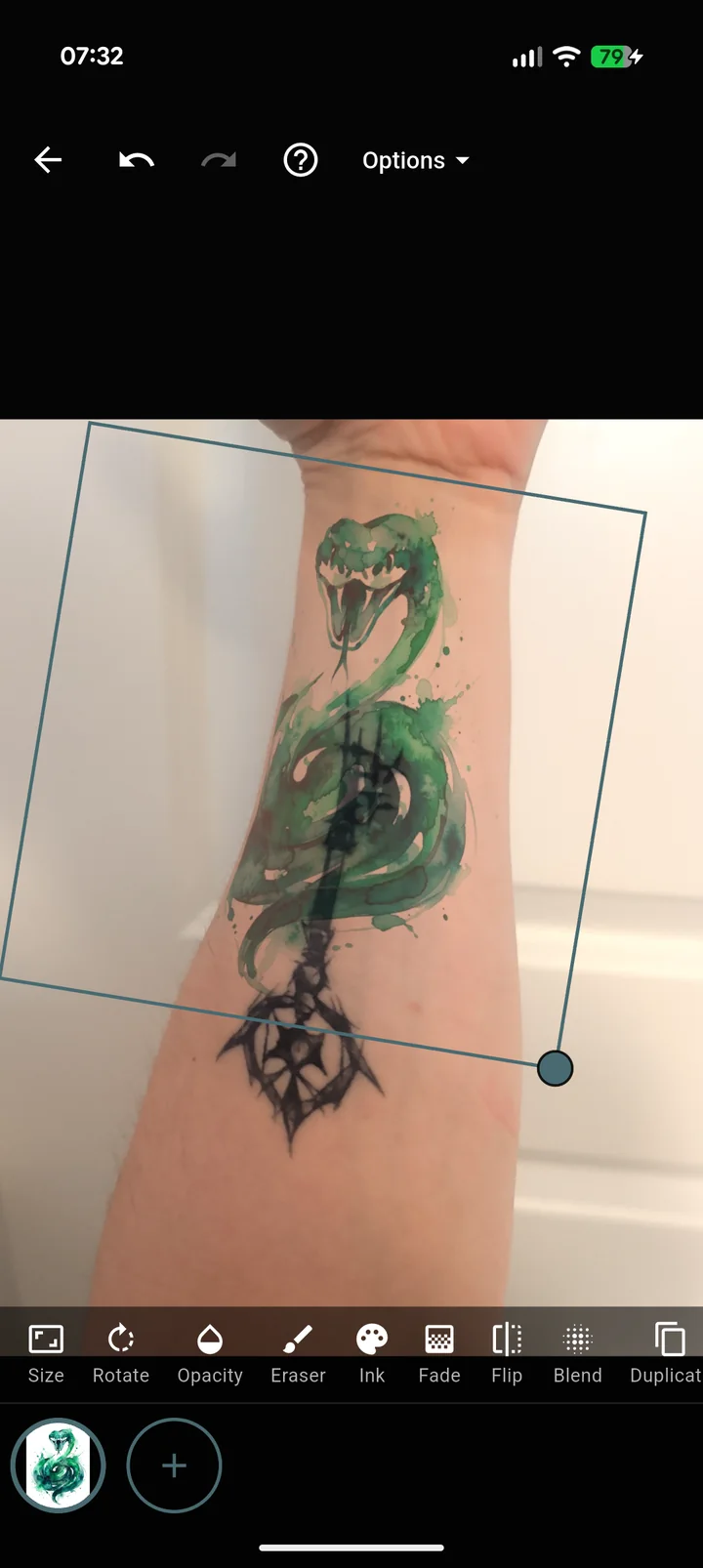
Try on tattoos on a photo of your own body. Drag a design into place and watch it wrap around your arm with depth-aware warping, then layer, resize and refine until size and placement feel right. Try it live, right here.
Drag or use arrow keys to test placement -
Create with AI
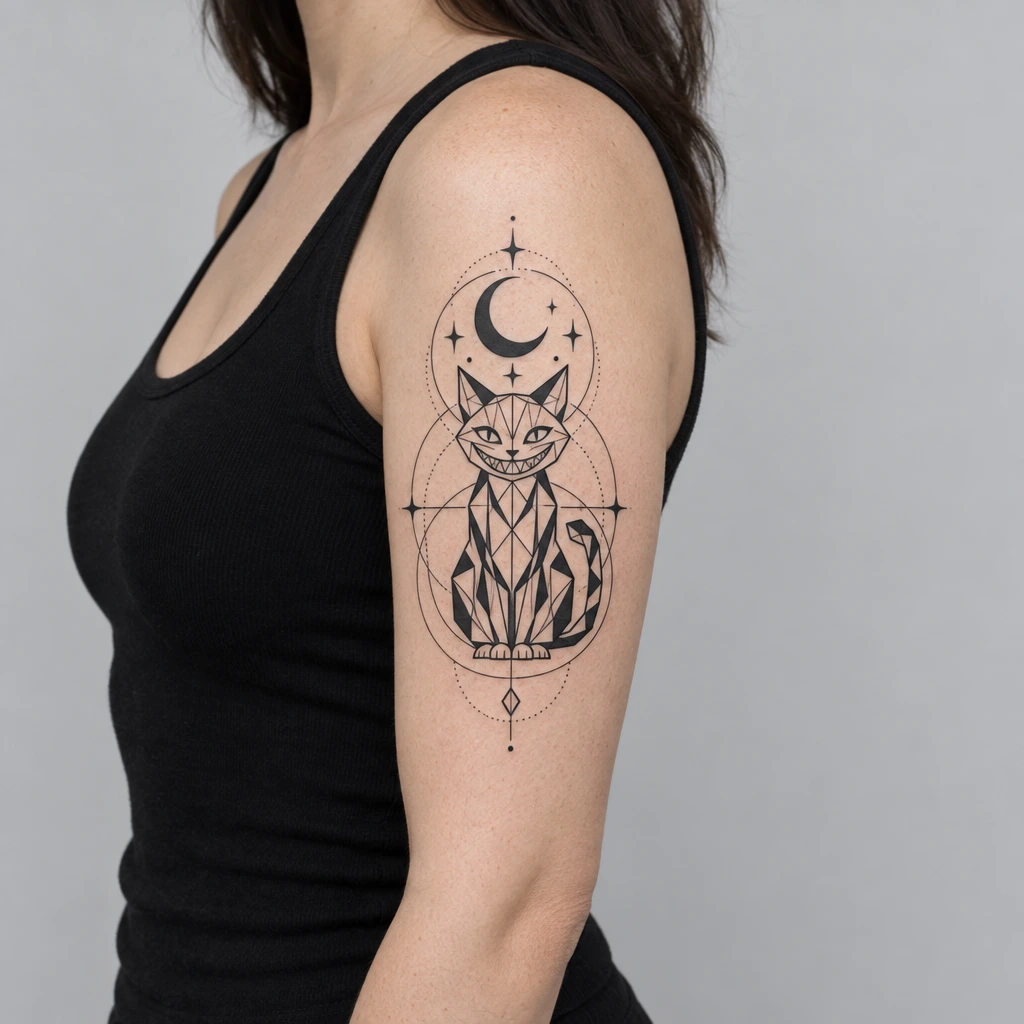
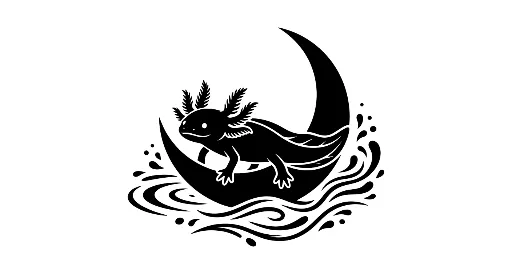
Type what you want, like "an axolotl on a half moon," and our model sketches original tattoo art in seconds. Refine, restyle and export until it is unmistakably yours.
-
Find the right tattoo artist
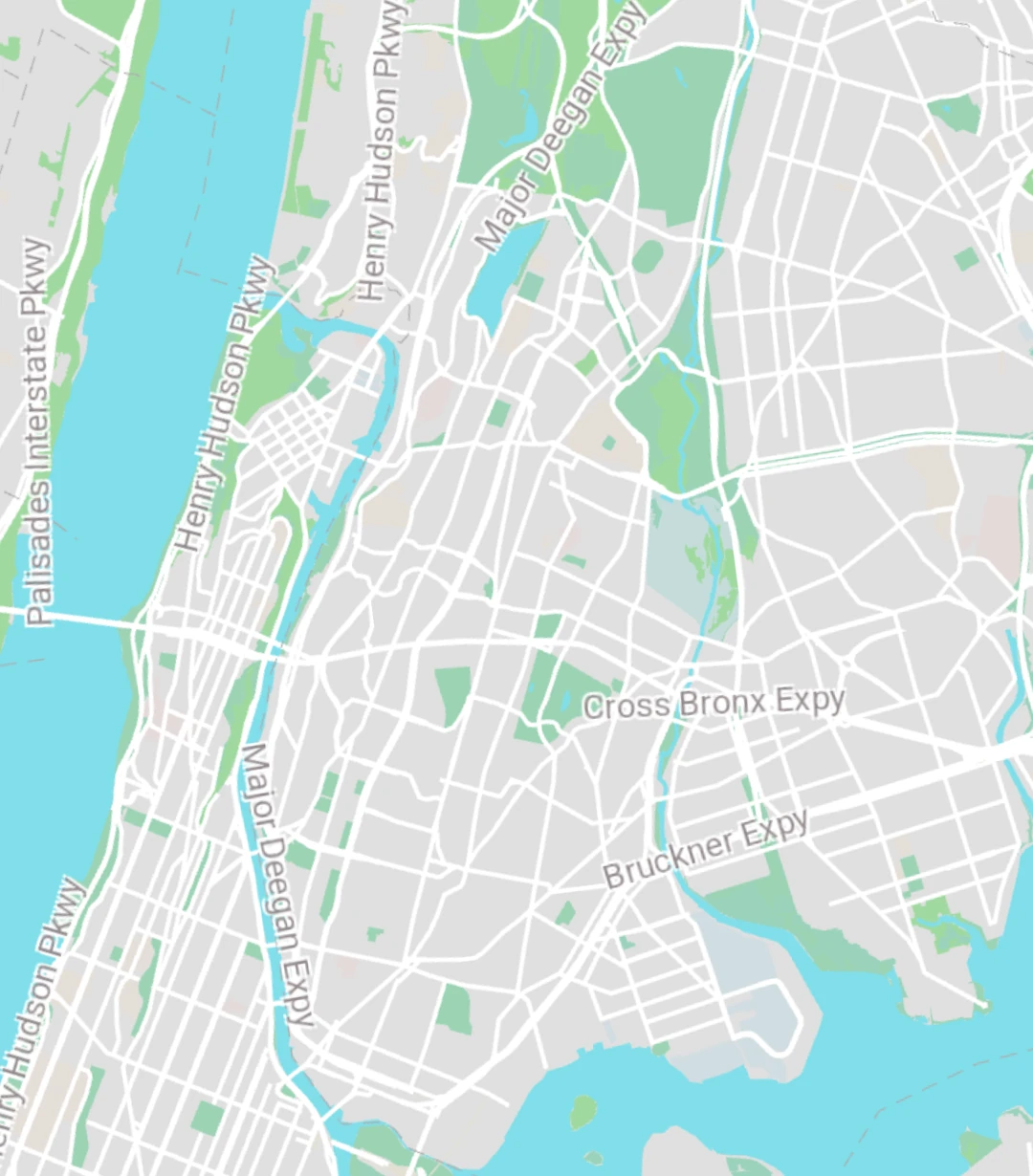
Real studios on the map. Tap a pin for the styles they tattoo, walk-in info and how to reach them.
-
Preview in AR
See any design rendered live on your own skin before you ever book an appointment. Rotate, resize and reposition until the placement feels perfect.

How the AR preview works
- 1 Draw a small smiley marker on your skin with a pen.
- 2 Point your phone camera at the marker.
- 3 Watch your tattoo appear on your skin, tracking every move.
-
Find your tattoo style
Swipe through real tattoo art. Heart what you love, skip the rest, and see which style keeps coming back.
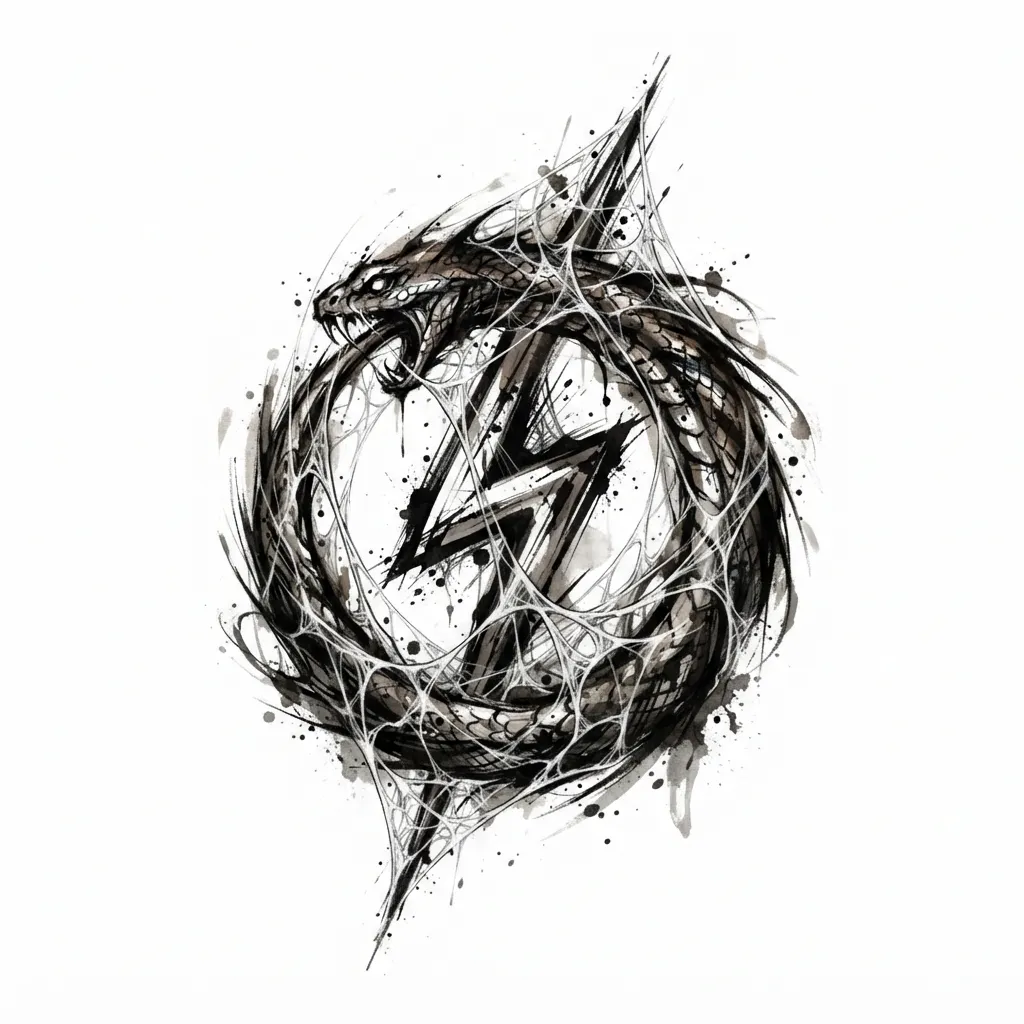
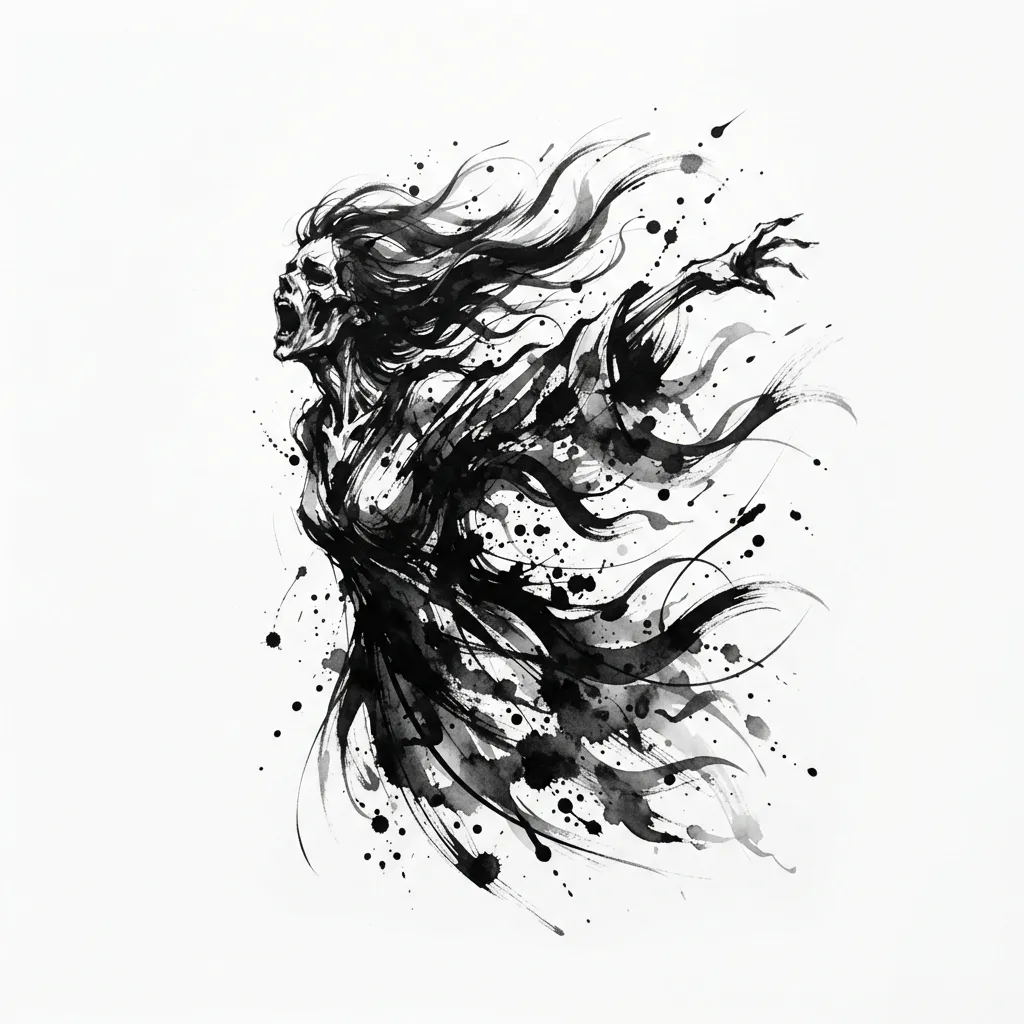
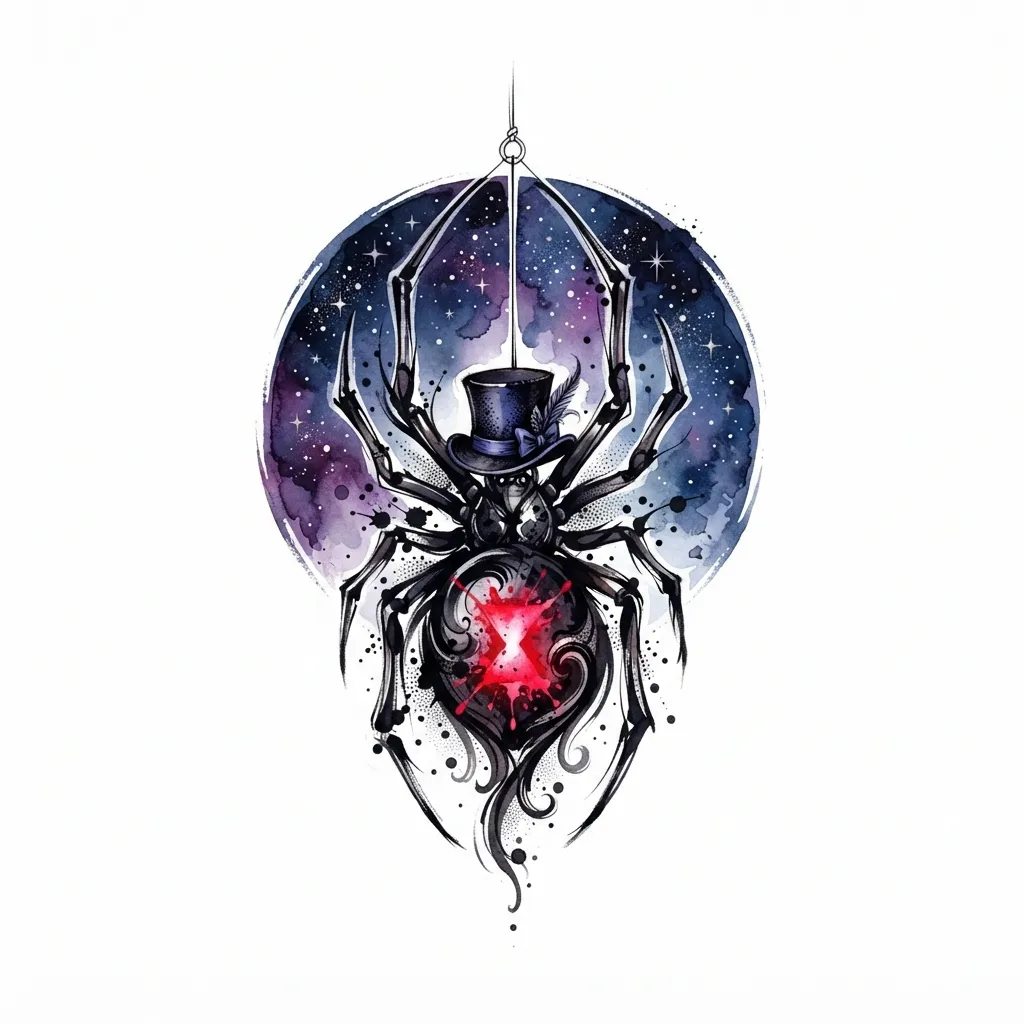
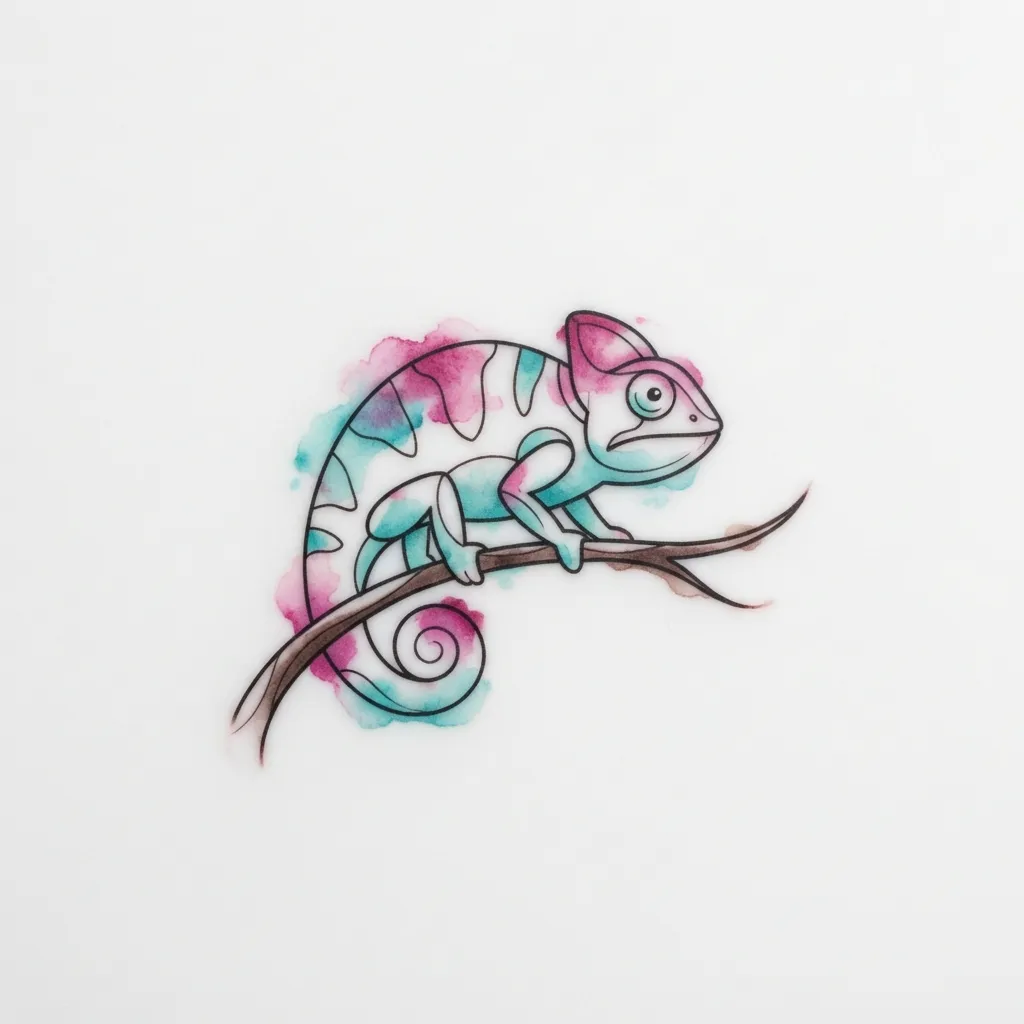
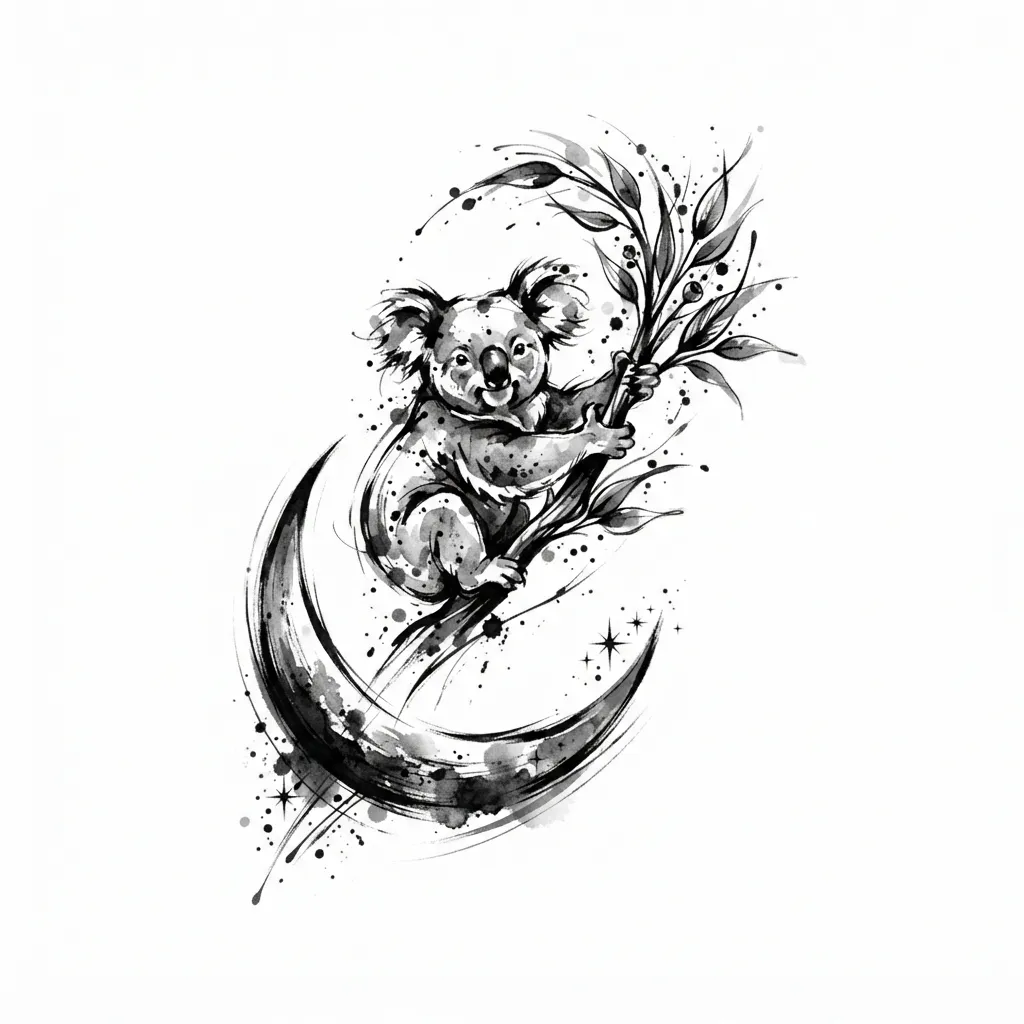

Your result, in the app, free
Get your personalized style match, save your favorites and start creating, free on iPhone and Android.
-
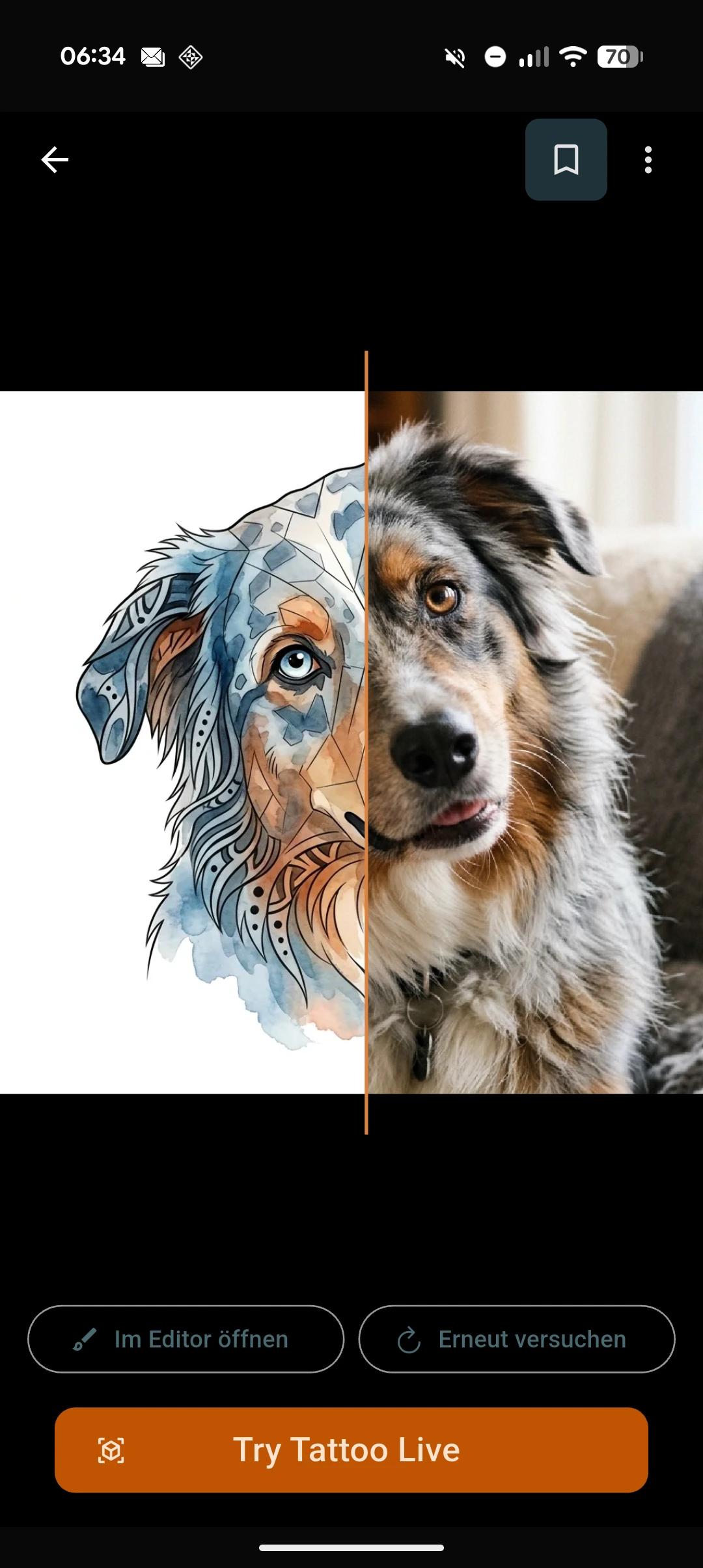
Photo to tattoo
Turn any photo into a tattoo design: your dog, a portrait, a place you love. Upload the picture and our AI tattoo generator redraws it as ink-ready tattoo art in seconds.
-
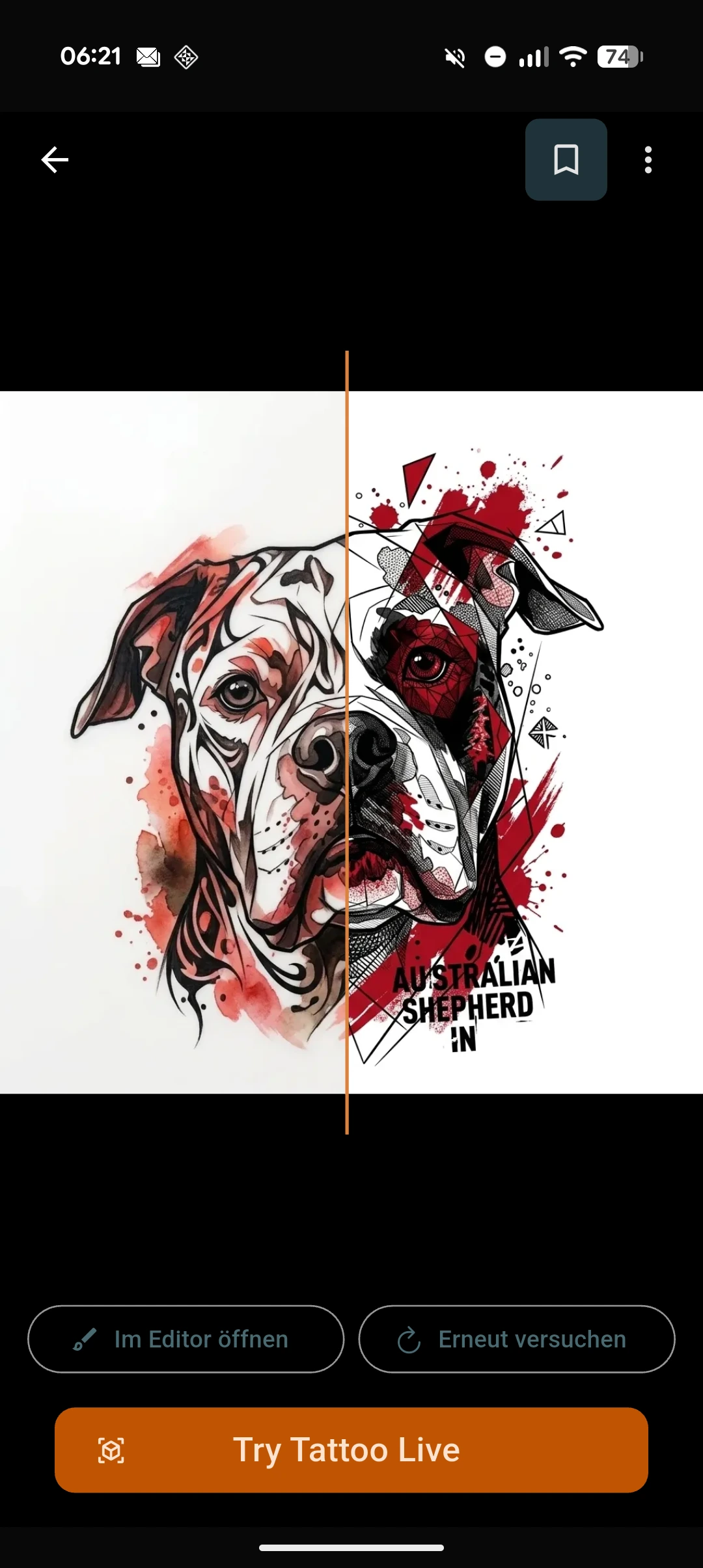
Change tattoo style
Restyle an existing tattoo, not just a new idea: upload any tattoo image in the app, describe the scene, pick the new tattoo style, and it is redrawn, watercolor to geometric, fine-line to traditional.
-
Sketch to tattoo
Already sketched something by hand? Snap a photo of your rough drawing and watch our tattoo maker turn a sketch to tattoo: a clean, ink-ready tattoo design.
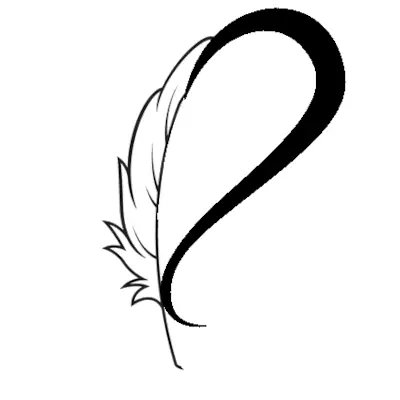
Sketch 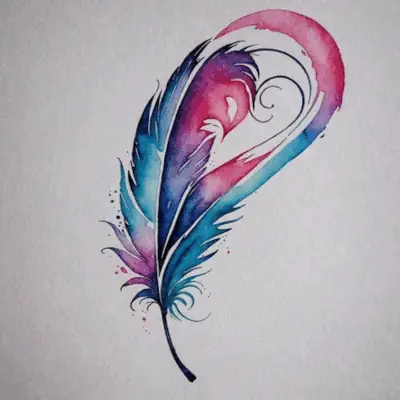
Tattoo -
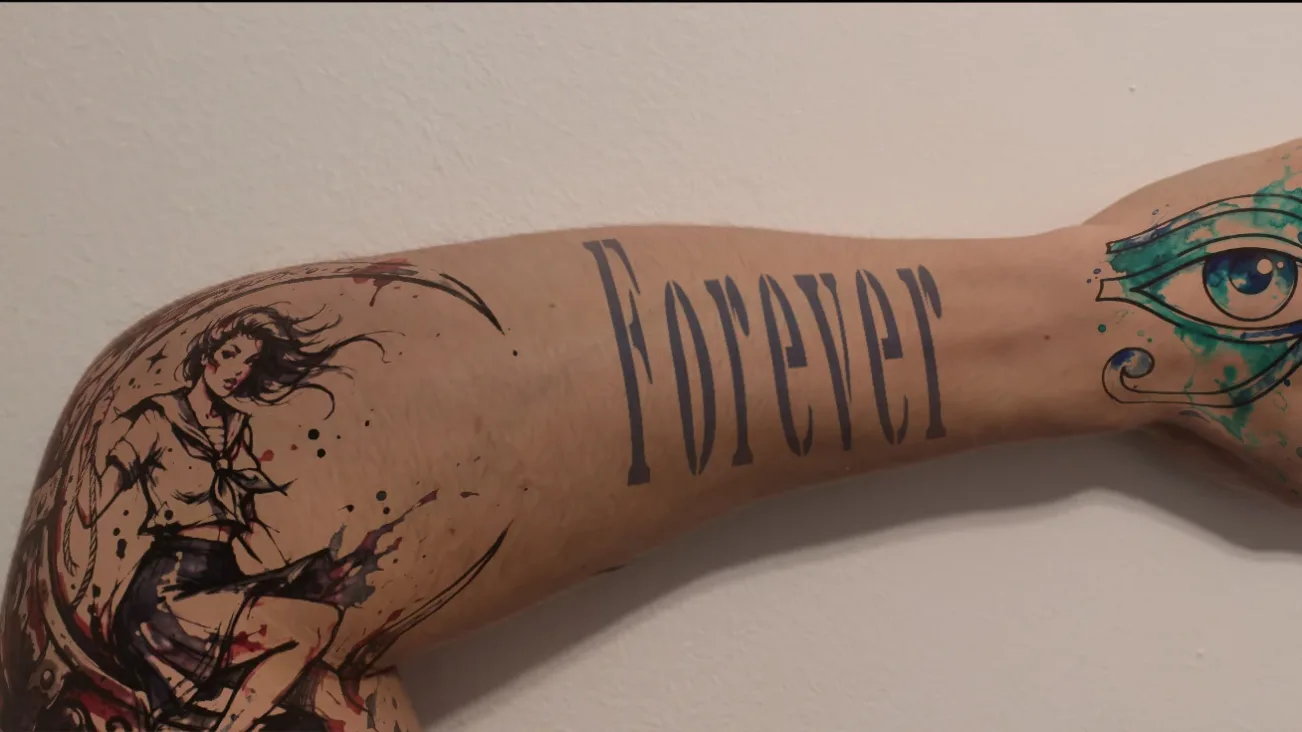
Tattoo font generator
Lettering is its own craft. Type a name or a quote, see it in over 150 tattoo fonts, most of them unique to this site, and preview it wrapped on skin, free, in your browser, no account.
Output stream
Explore endless AI tattoo ideas and art
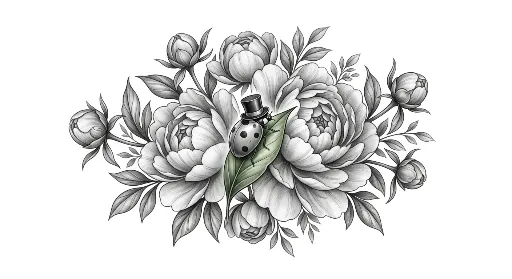
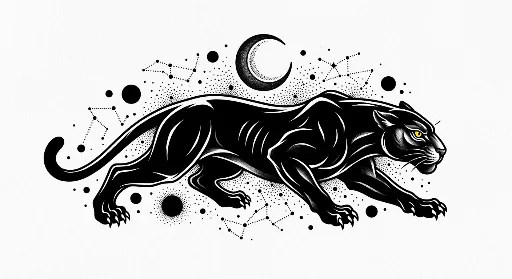
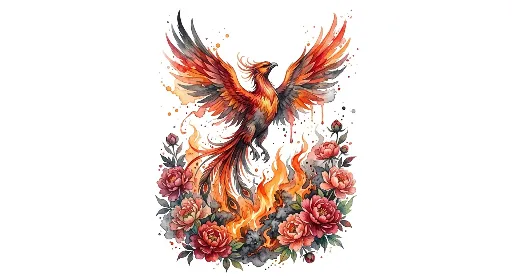
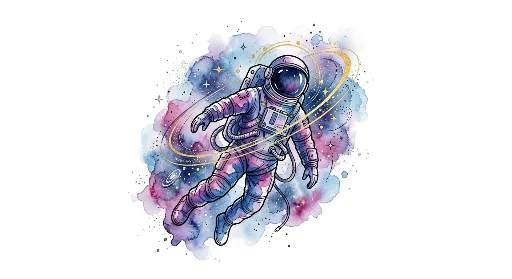
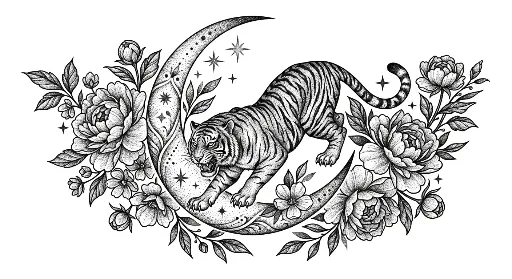
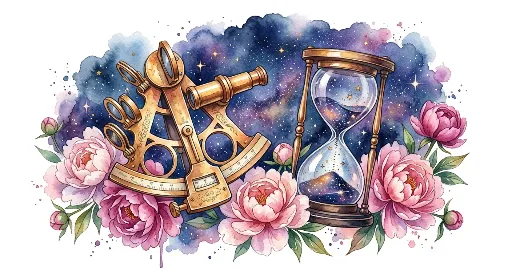
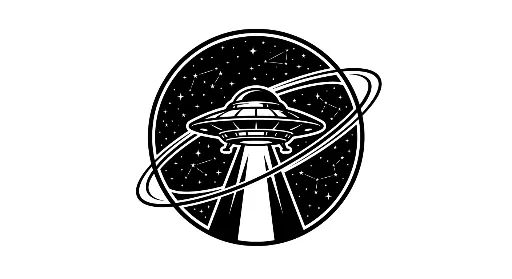
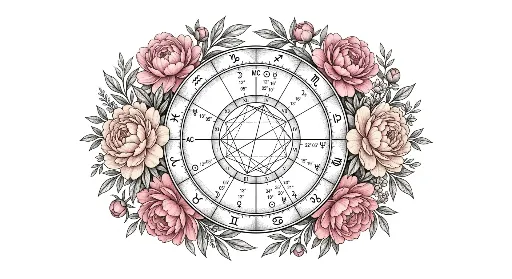
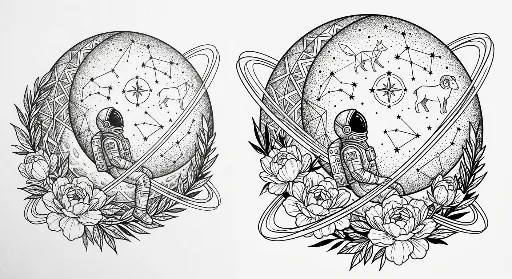
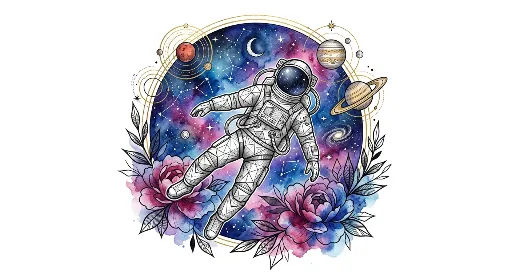
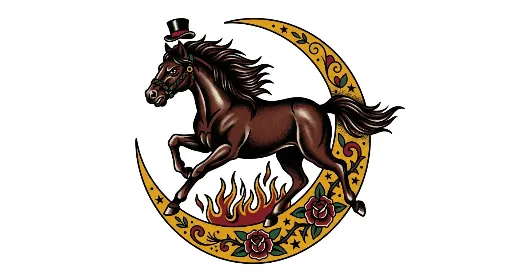
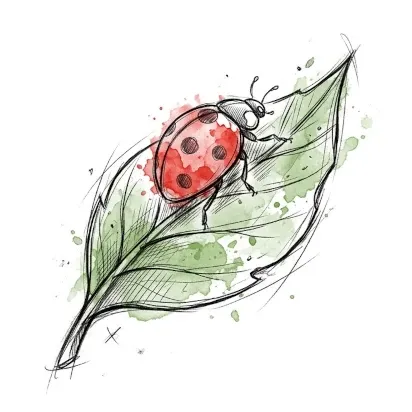
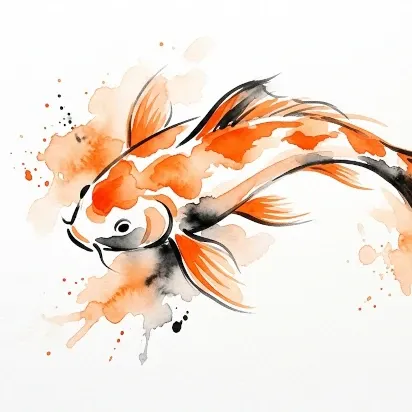
Never run dry on inspiration. Scroll a bottomless feed of AI-generated tattoo designs, with new designs added every hour, across every style: Black & Grey, Fine-Line, Watercolor, Traditional, Geometric, Illustrative, New School, Lettering, Tribal.
Browse fresh AI tattoo designs and ideas across every style. Save the ones you love and carry them into your next AR preview.
No needle. No regret. No limits.
Your next tattoo is one prompt away
Design it, preview it on your skin, and walk into the studio already sure.