 AI Tattoos
The AI tattoo generator
AI Tattoo Generator
Describe your idea in words and watch our tattoo generator turn it into a one-of-a-kind, ink-ready design in seconds. No sketching skills required.
Try it: one prompt, forty styles
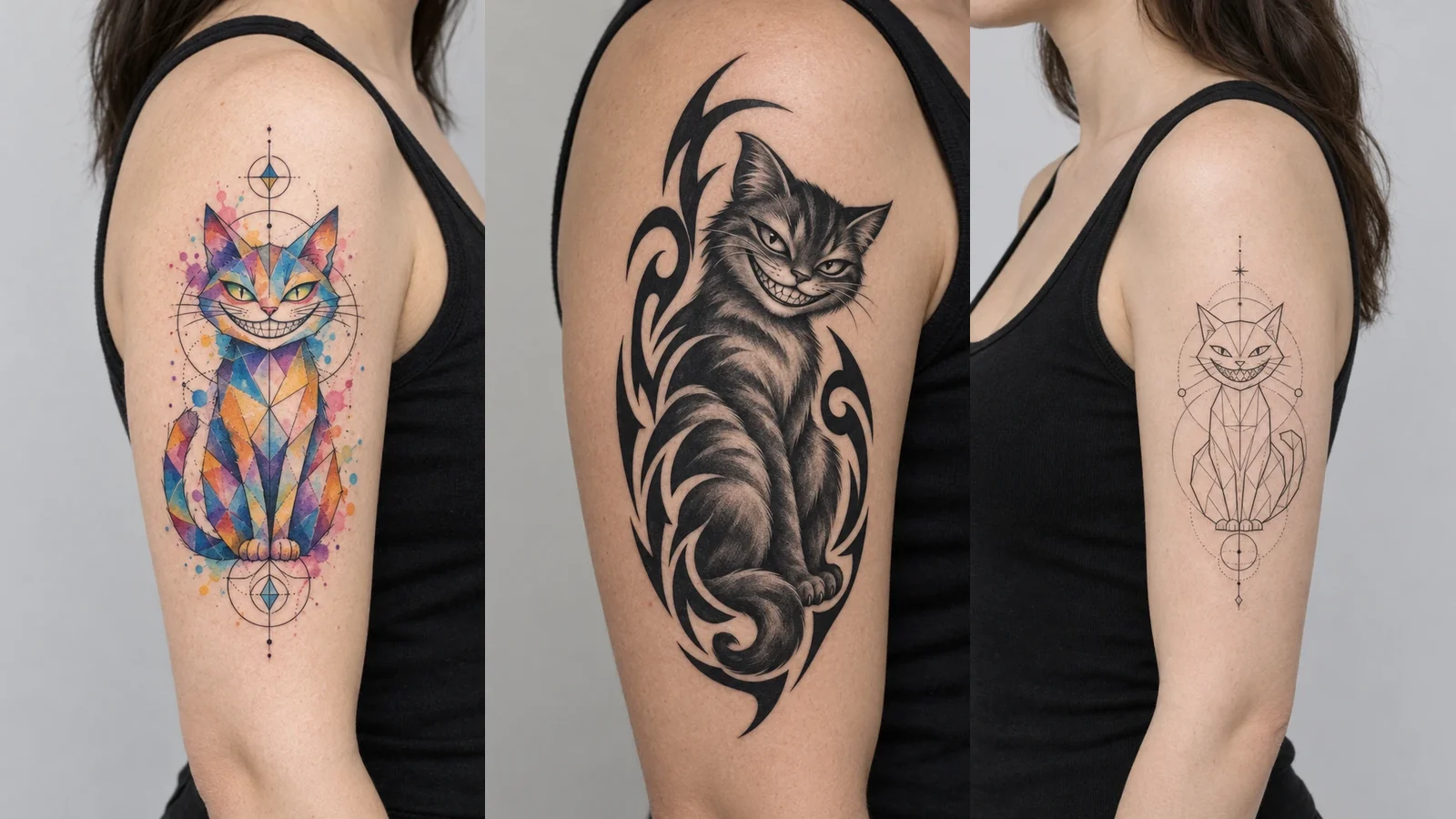
Same cat, different tattoo style
This is the real thing the app does: the prompt stays, the style changes. Pick one style or combine two and watch the generator re-ink the same arm. Six styles are unlocked here to play with; the app has the full library.
All 40 styles are available in the app
Every tattoo style, one tattoo generator
A great tattoo generator should not lock you into one look. Ours creates tattoo designs in 40 tattoo styles, from Black & Grey, Fine-Line, Watercolor, Traditional, Geometric and Tribal to Trash Polka, Cybersigilism, Ukiyo-e and Glitch, and it can blend any two of them into something that is entirely yours, like a geometric piece with watercolor washes. Try the style lab above: same prompt, same arm, forty ways to ink it.
Whatever you type, from a single word to a detailed description, the tattoo AI interprets it and returns original tattoo art, not a stock image. Every design is generated fresh for your prompt.
Change tattoo style with one tap
Not feeling the first result? The same tattoo generator can restyle any design with a single tap: watercolor to geometric, traditional to fine-line, illustrative to new school. Keep the concept, try it in a completely different tattoo style, and compare until one feels unmistakably yours.
Who the AI tattoo generator is for
Planning your next piece and want to see options before you commit. First-timers who want certainty about a design before they ever sit in a chair. Tattoo artists drafting custom concepts for clients, fast, as a starting point for their own linework. The AI tattoo generator meets all three where they are.
How the AI tattoo generator works
-
Describe your idea
Type a text prompt, anything from "a fine-line moth" to a full scene. That is all the tattoo generator needs to start.
-
AI generates your design
Our tattoo AI sketches a unique, ink-ready tattoo design in seconds, ready to refine or restyle.
-
Preview it on your skin
Open tattoo try-on to see the design on your own body photo, then save or share it before you decide.
More results from the AI tattoo generator
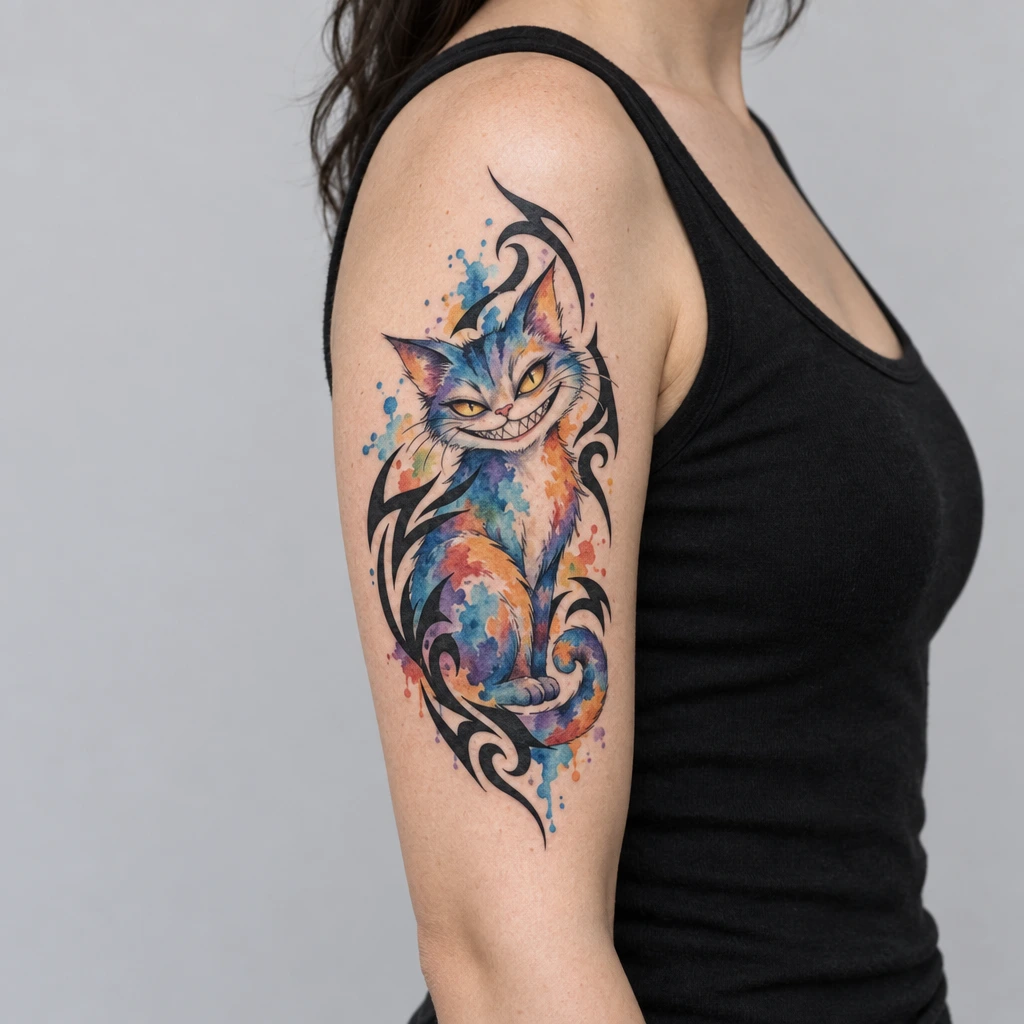
One prompt, "cat, sitting, grinning", and only the style changed. Blending two styles is where cheap generators fall apart; this is what ours makes of it.
-
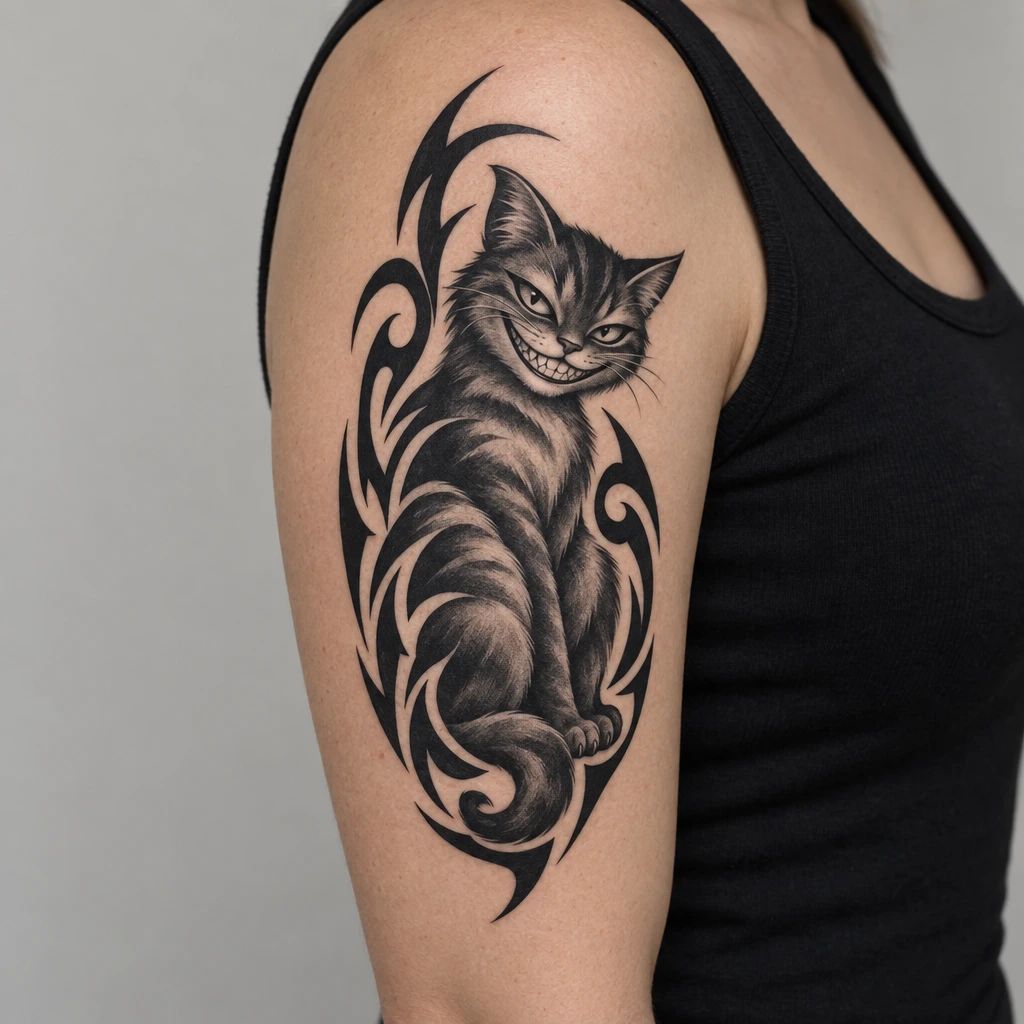
Black & Grey + Tribal -
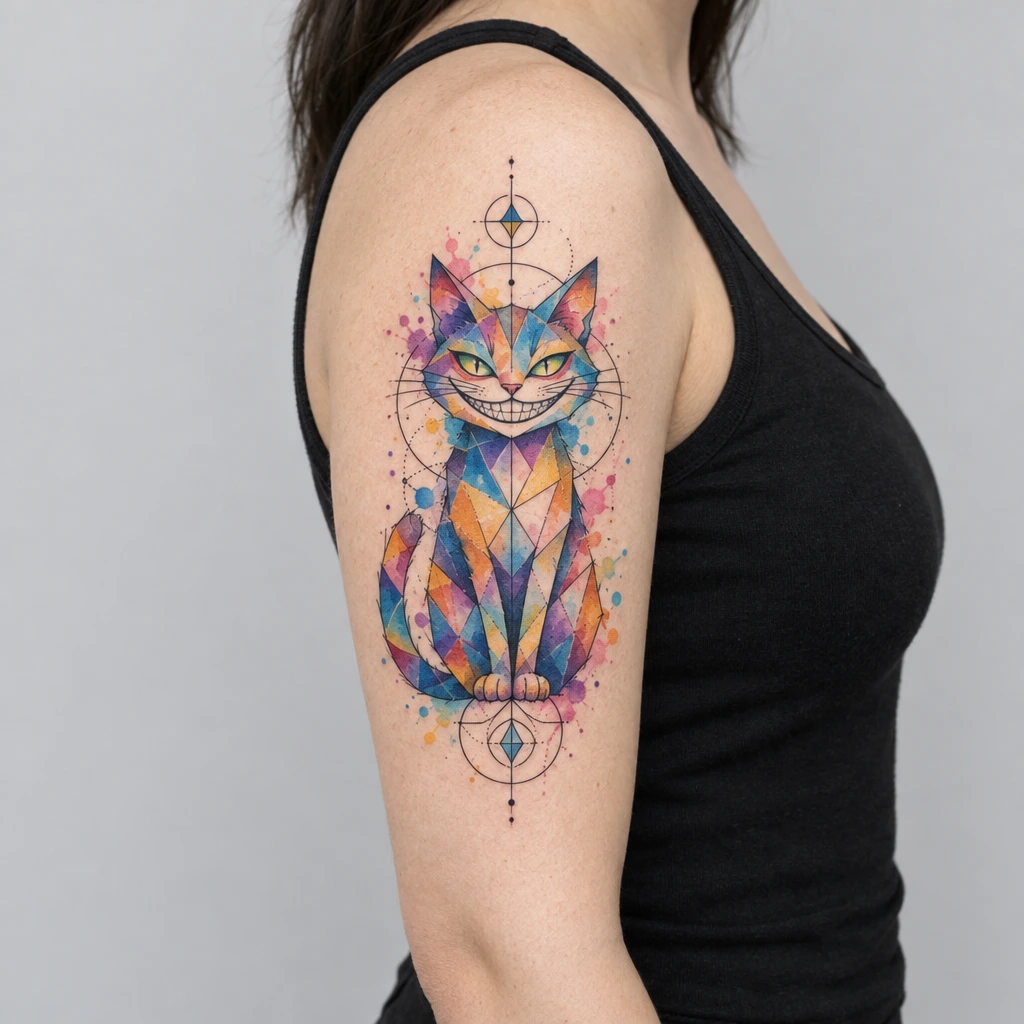
Watercolor + Geometric -
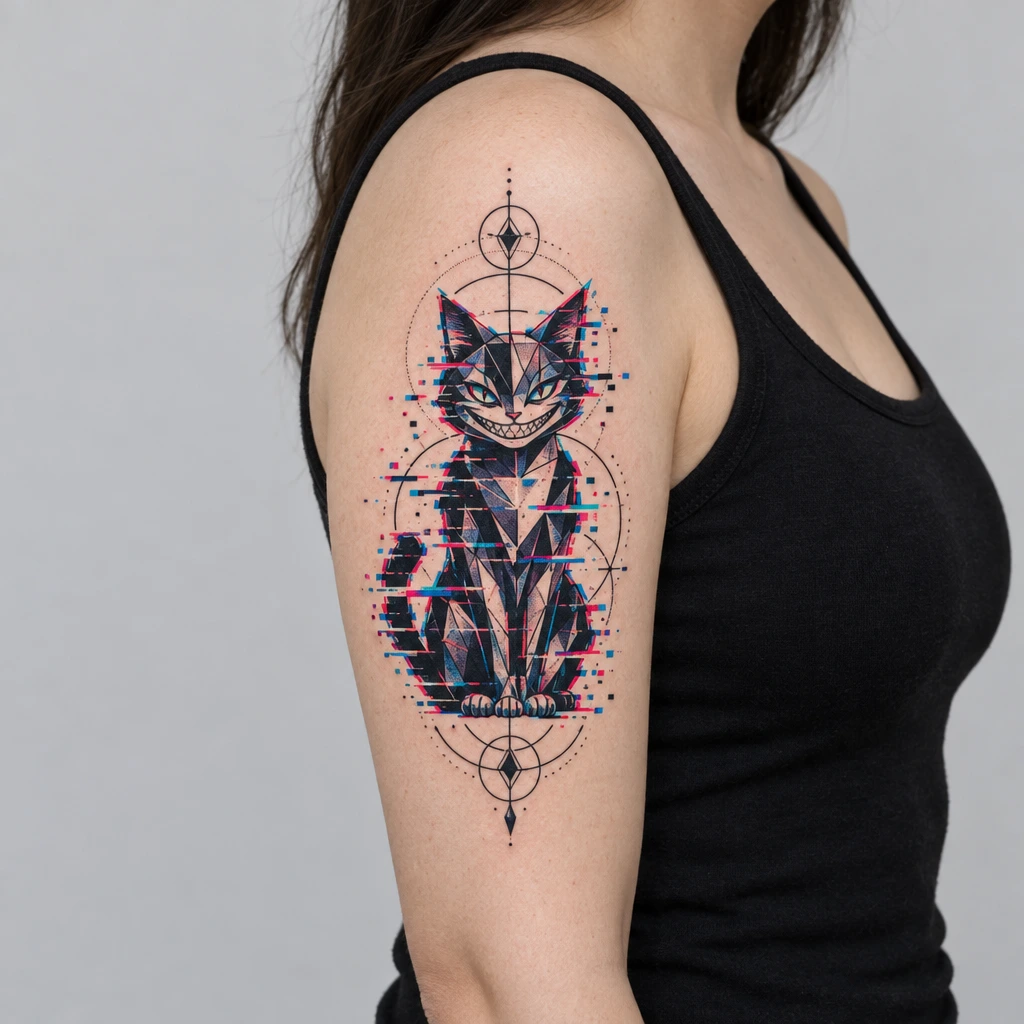
Geometric + Glitch -
Watercolor + Tribal -
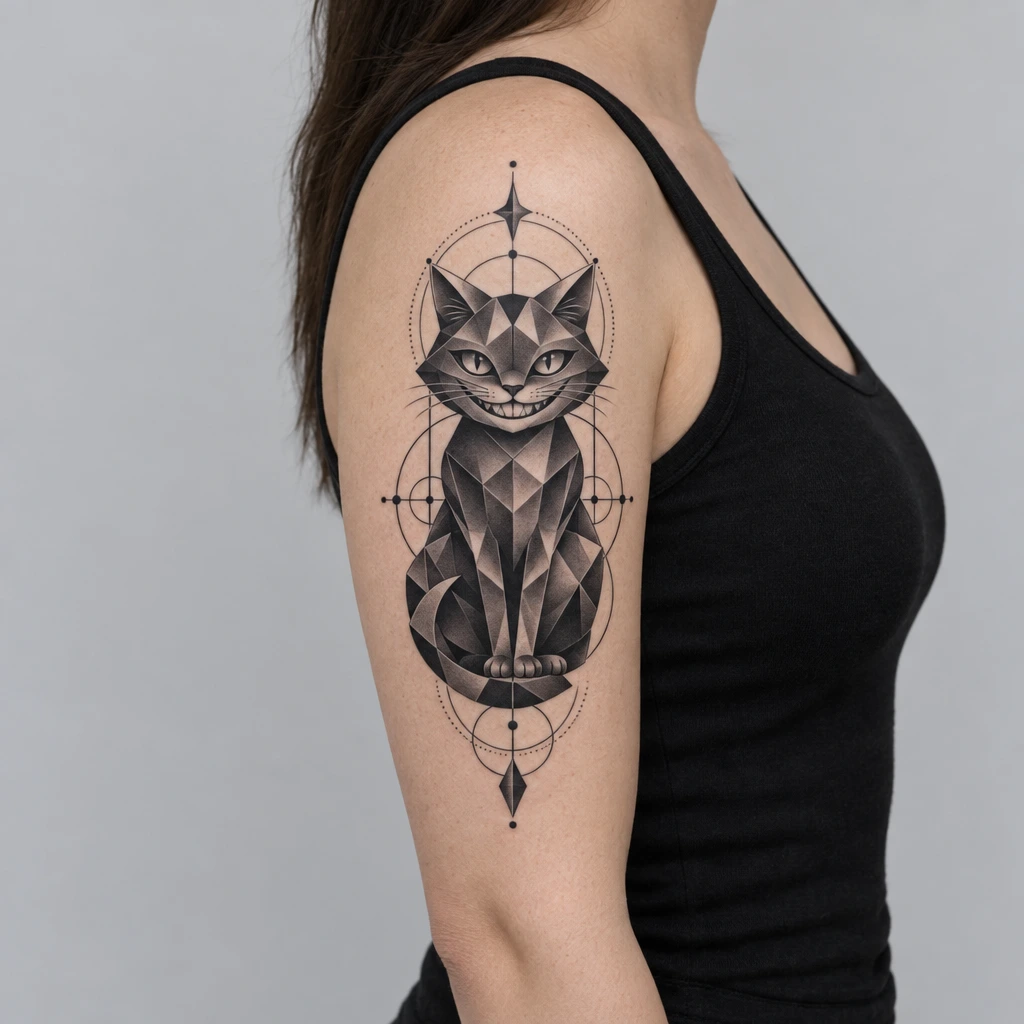
Black & Grey + Geometric -
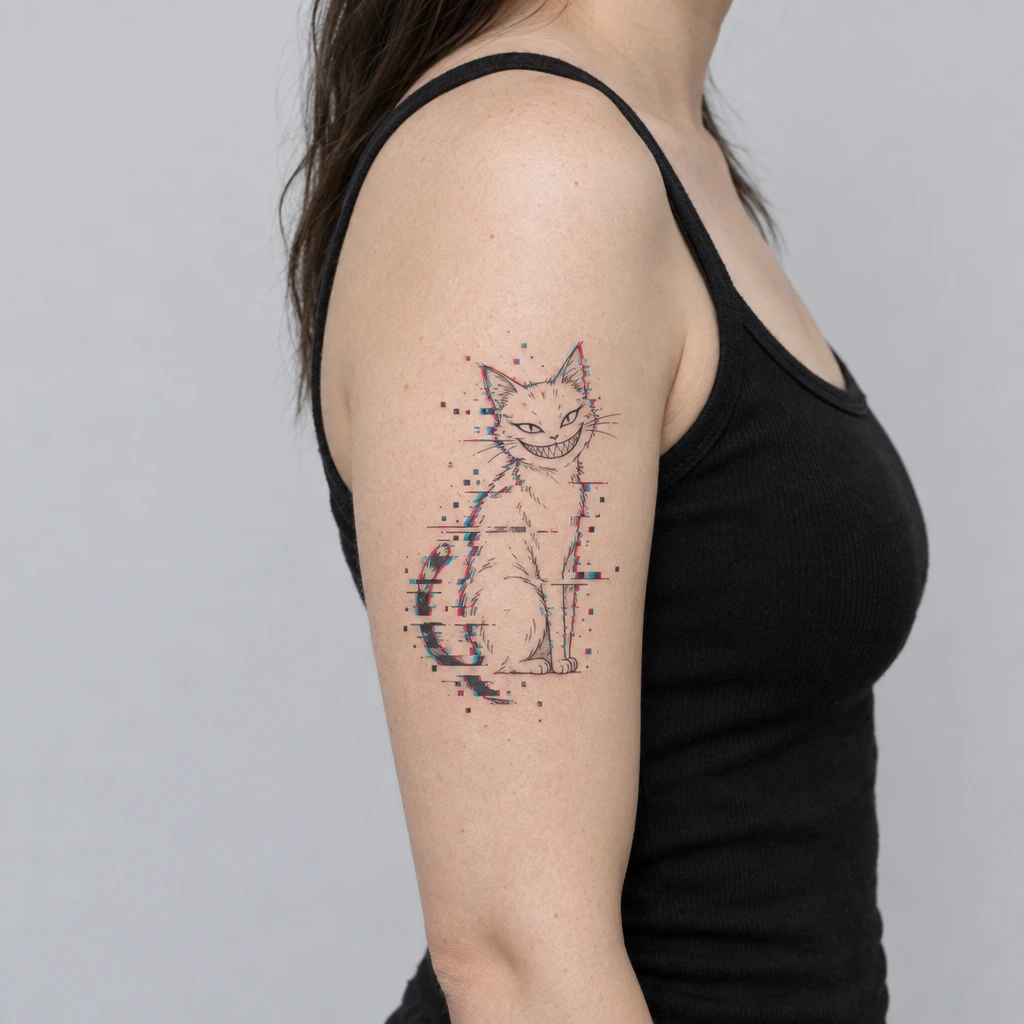
Fine Line + Glitch
Why AI Tattoos
Why AI Tattoos instead of another tattoo generator?
Most AI tattoo apps are a thin wrapper around a cheap image model and a handful of style presets. That works for "cat, watercolor". It falls apart at "cat with a hat, geometric and watercolor". We built the whole stack for tattoos, not just the prompt box.
-
The biggest tattoo style library
40 tattoo styles from Black & Grey and Fine Line to Cybersigilism, Trash Polka and Ukiyo-e, and any two of them can be blended. Most generators stop at ten.
-
Always the newest generation model
We move to the newest image-generation technique as soon as it is better at tattoos. Cheap models handle simple prompts; ours holds a complex subject, a modifier and two styles at once.
-
Preview on your own body
Our own depth-aware try-on places any generated design on a photo of your body and wraps it around the limb. Most generator apps have no preview at all, or a flat sticker overlay.
-
Tattoo style test
Not sure which style is yours? Swipe through real designs and let the style quiz tell you what you keep gravitating to.
-
Endless browsing of fresh tattoos
A never-ending feed of new AI tattoo designs to browse, save and restyle, not a fixed gallery that runs out after two screens.
-
Lettering with 200+ free fonts
A dedicated tattoo font generator with more than 200 fonts free to use, most of them made in-house and found nowhere else, with flat and on-skin preview.
| AI Tattoos | Typical generator app | |
|---|---|---|
| Tattoo styles | 40, any two blendable | Around 10 presets |
| Complex prompts (subject + modifier + two styles) | Yes | Often breaks down |
| Generation model | Always the newest | Cheap model, rarely updated |
| Preview on your body | Photo + depth-aware wrap | None, or a flat overlay |
| Tattoo style test | Yes | No |
| Browse fresh designs | Endless feed | Fixed gallery |
| Tattoo fonts | 200+ free, mostly exclusive | A few system fonts |
| Image and sketch to tattoo | Yes | Rarely |
The right column describes what we see across the category as a whole, not any single app. Every AI Tattoos claim above is a feature you can try in the free download.
Frequently asked questions
Is the AI tattoo generator free to try?
AI Tattoos is free to download, with in-app purchases available. You can try the tattoo generator without any upfront cost.
Can I see the tattoo on my own skin?
Yes. Every design you generate can be previewed with tattoo try-on, so you see it placed on your own body photo before you decide anything.
What tattoo styles can it create?
40 styles, from Black & Grey, Fine-Line, Watercolor, Traditional, Geometric and Tribal to Trash Polka, Cybersigilism, Ukiyo-e and Glitch, and any two of them can be blended in one design.
Can I turn a photo or my own sketch into a tattoo?
Yes. Besides text prompts, AI Tattoos can turn a photo into a tattoo design or turn a hand-drawn sketch into a tattoo.
Do I own the design, and can I use it?
You can save any design you generate and bring it to your tattoo artist as a reference or starting point for your session.
What are the best free AI tattoo generator apps?
Look for one that generates original art (not stock images) in seconds, covers real tattoo styles, and lets you preview the result on your own body before you decide. AI Tattoos does all three for free, with in-app purchases available.
Does the AI tattoo generator work on iPhone and Android?
Yes. AI Tattoos is available on both the App Store and Google Play.
Your next tattoo starts with a prompt
Generate a design, try it on your own body photo, and walk into the studio already sure.