 AI Tattoos
Free tool · no sign-up
Tattoo font generator
Type a name, a word or a date, and see it in more than 150 tattoo lettering fonts, most of them made in-house and found nowhere else. Adjust the size, the letter spacing and the curve until it reads right, then take it away as a transparent PNG or a vector SVG your artist can scale to a stencil.
Build your lettering now
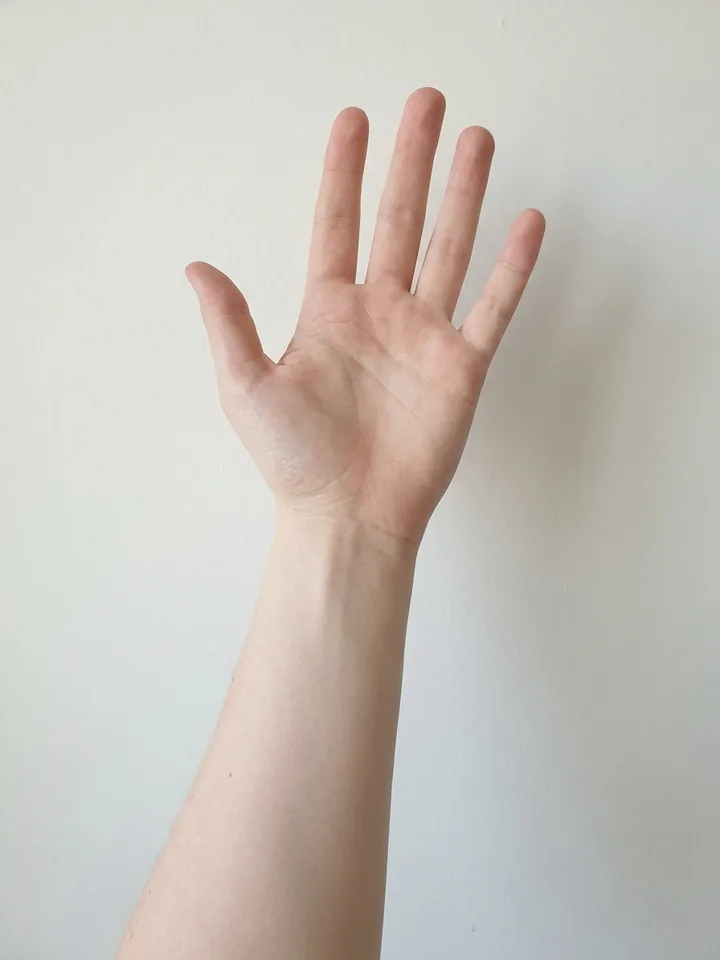
Everything runs in your browser: no account, no upload, no waiting. The lettering is drawn as you type — flat as a stencil, and at the same time wrapped onto a real forearm photo so you can judge the size for real. You leave with a PNG or an SVG.
Type something above and it appears here.
The card outline is the size of a real bank card — hold yours against it. If it does not match, calibrate the screen.
Layout
Style
Hollow black outlines, the way an artist traces them: solid fills smear on thermal stencil paper. Mirror it if you print it yourself.
Size
Hold a bank card against the screen and drag the slider until the outline matches its width. Then the preview and the ruler are true to life.
Ink spreads 10–20 % under the skin over the years and thin lines soften. Slide to see how the lettering will read later — "bold for old".
Ink colour
Dozens of tattoo effects — gradients, glow, 3D shadow, textures — are only available in the app right now. It’s entirely free.
Tattoo font 262 fonts
Over 150 fonts, most of them made in-house and unique to this site. Every row shows your text in that font; the text field, size and search stay pinned while you scroll. Free for personal and commercial use.
No font matches that. Try another word or clear the filter.
Pick the lettering before you pick the placement
Lettering is the one tattoo where the design is mostly decided before you walk into a studio, and the one that goes wrong most often. The word is right, the font is wrong: too thin for the ribs, too ornate to read at arm's length, too wide for the wrist you had in mind. Seeing it drawn out at the size you actually want costs nothing and settles the argument in about a minute.
This generator renders your text with real, licensed typefaces in the browser. Nothing is uploaded, nothing is stored, and nothing is generated on a server. The preview you see is drawn on your own device, which is also why it is instant and free.
What each lettering style actually suits
Script and brush script (Great Vibes, Alex Brush, Sacramento) are the default for names, quotes and anything that should feel warm. They flow, so they follow a forearm, a collarbone or a rib line well. The catch is contrast: the hairline strokes are the first thing to fade, so scripts want a bit more size than people expect.
Old english and gothic blackletter (UnifrakturMaguntia, UnifrakturCook) carry weight and heritage, and they hold up over decades because the strokes are heavy. They are also the hardest to read. Two or three words is the honest limit; a full sentence in blackletter turns into texture.
Handwriting (Caveat, Homemade Apple) reads as personal rather than designed, which is exactly right for a signature-style piece or a child's name. Stencil and traditional (Stardos Stencil, Rye, Bevan) are bold, high-contrast and built to be legible across a room; they suit upper arms, backs and anything that should look like it was made to last.
Fine-line serif and roman capitals (Cormorant, Cinzel) are the quiet options. Cinzel's capitals are carved-inscription shapes and look right for single words, dates and Latin phrases. Cormorant is delicate, which is a genuine trade-off: beautiful at first, and the thinnest strokes need care.
Practical notes before you commit
Small text closes up. Ink spreads slightly under the skin over years, and the gaps inside letters (the eye of an "e", the counter of an "a") are the first thing to go. As a rule of thumb, if a letter is under about 5 mm tall, expect it to soften into a smudge within a decade. Fine-line scripts need more room than blocky fonts to survive the same amount of time.
Placement stretches the type. Skin that moves a lot (the inner bicep, the ribs, the side of a foot, anywhere over a joint) will distort a long line of text. That is exactly what the on-body preview on this page is for — and the AI Tattoos app takes it much further: the same fonts, plus a free colour picker, gradients, outline, glow, 3D shadow, texture fills and screen effects, previewed on a photo of your own body with depth-aware warping. Either way, the lettering bends with the surface, so you can judge a curved placement before it is permanent. The final stencil is still worth drawing on the curve together with your artist.
Mirroring matters more than people think. Text on the inner forearm reads to you upside down and to everyone else the right way up; you have to choose whose reading you care about. Anything you plan to see in a mirror (a chest piece, a collarbone script) is worth checking mirrored before it is permanent.
Bring the file, not a screenshot. Download the SVG and your artist can scale it to any stencil size without it going soft. The PNG is the version to send in a message. Neither of them is a font file: this tool renders your text, it does not hand out the typefaces.
The fonts are licensed, and the licences are in the open
The classics here ship under the SIL Open Font License or the Apache License 2.0; the family names, the licence texts and the source of each download are recorded next to the font files. The larger part of the collection is our own: fonts generated in-house from tattoo art, drawn into full alphabets and traced into typefaces. Those are free for personal and commercial use, with a credit to ai-tattoos.com when the lettering is used commercially. See all of them on the tattoo fonts page.
What that licensing allows is rendering, and that is precisely what this page does. The generator will never offer the font file itself for download. The PNG and SVG exports are images of your text, and they are yours to take to any artist.
Chicano lettering used to be the honest gap: no openly licensed typeface genuinely looks like it, and we refused to relabel a generic script. It is now covered by in-house faces drawn in that language, fine single-needle lines, long swashes, barrio block capitals, listed under the chicano chip.
How the tattoo font generator works
-
Type your text
A name, a date, a short quote. It renders as you type. Black ink on a transparent background, exactly the way a stencil is drawn.
-
Choose the font and the fit
More than 150 lettering styles in one scrolling list, each row showing YOUR text in that font, filterable by category and searchable by name. Size, letter spacing, curve and outline are sliders — open a script up until it breathes, arch a word into a banner, or edge it in a second colour. Six realistic pigment presets plus a free colour picker for the ink and the outline, and a mirror toggle round it off.
-
Download PNG or SVG
PNG to send to your artist, SVG for a stencil that stays sharp at any size. Both transparent, both free, no account.
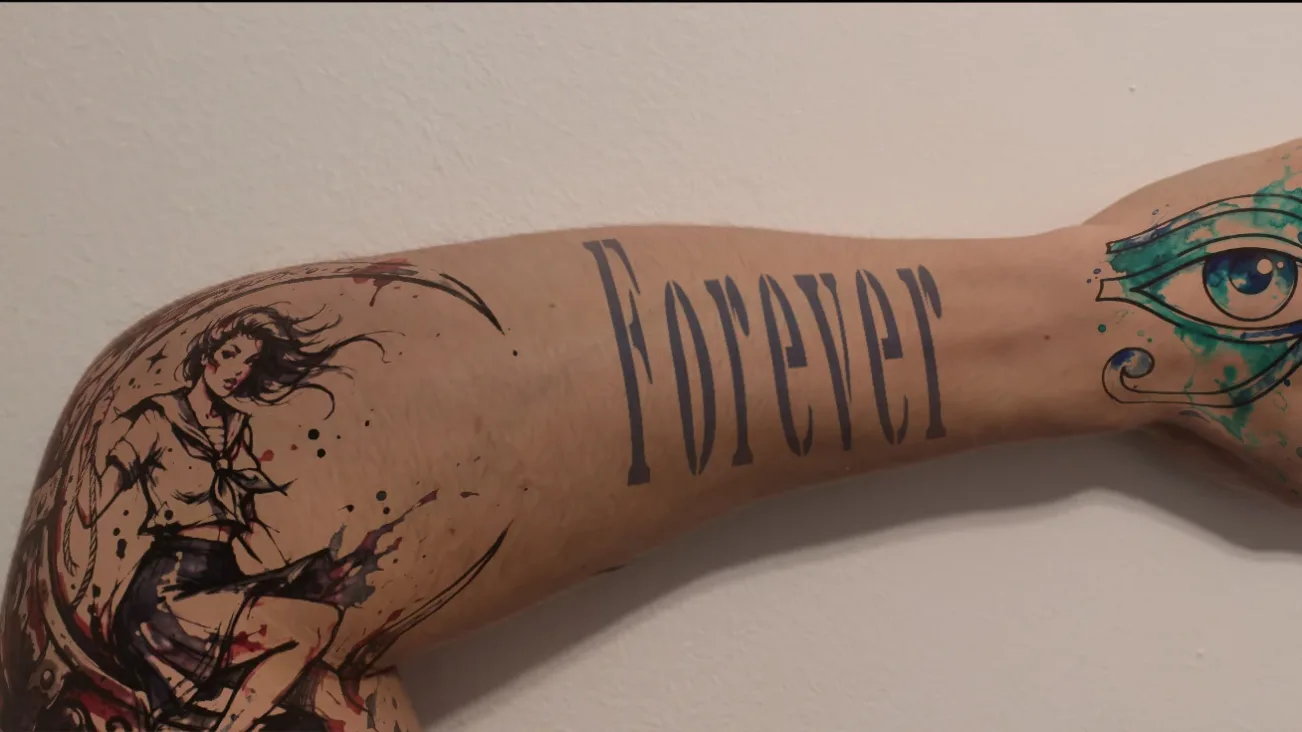
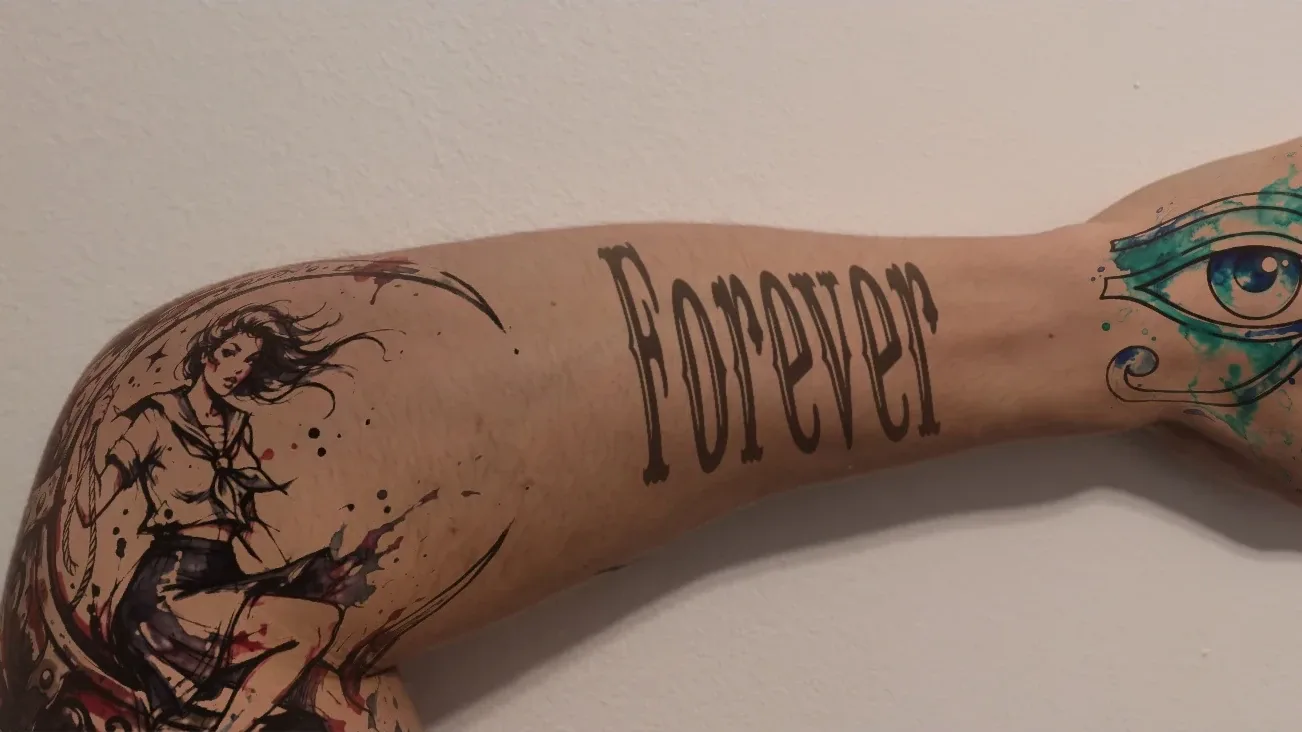
One word, three tattoo fonts
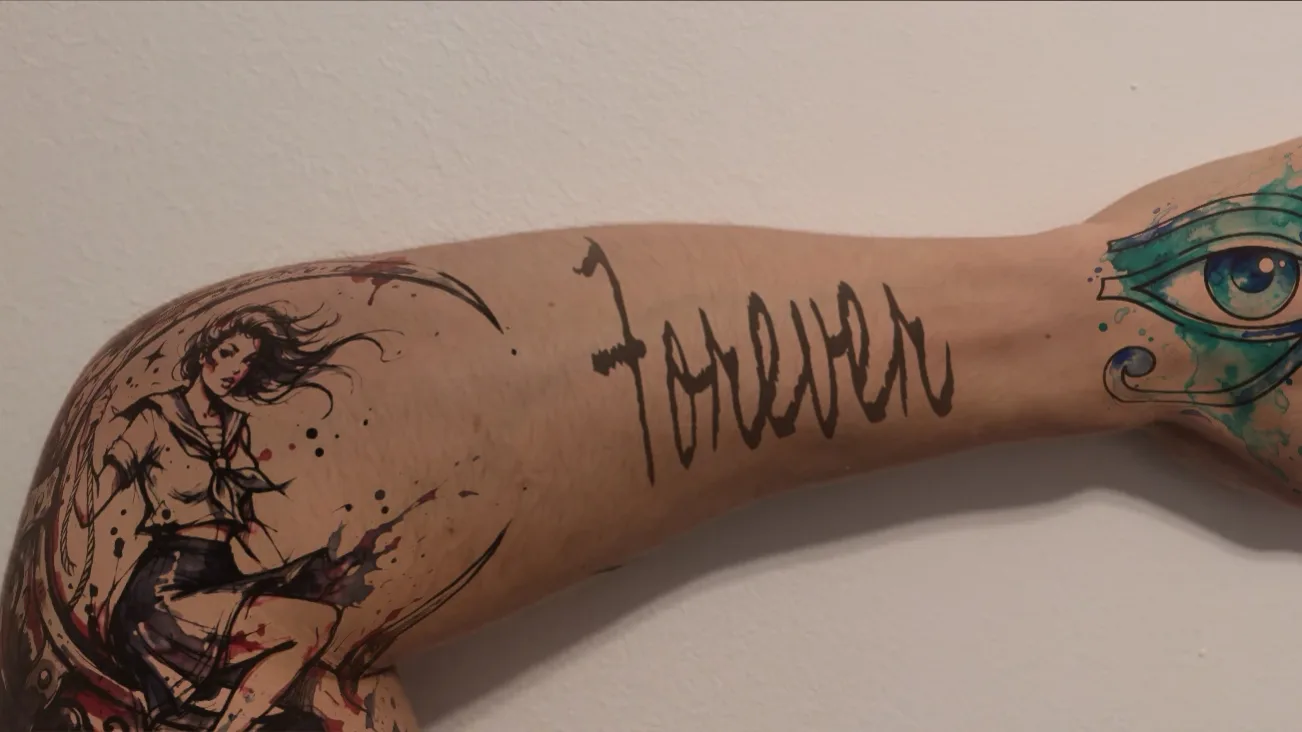
The same word in three fonts from the generator, each placed on the same forearm photo — the same lettering sits completely differently depending on the typeface.
Frequently asked questions
Is this tattoo font generator free?
Yes, completely, and there is no account and no sign-up. It runs in your browser, so there is no cost to us per use and no reason to charge you.
Can I download the fonts themselves?
No. This tool renders your text and exports it as a PNG or an SVG image. It does not distribute font files. All the typefaces are open-licensed and easy to find by name if you want them for your own software.
What is the difference between the PNG and the SVG export?
The PNG is a high-resolution image with a transparent background, best for sending your lettering to an artist in a message. The SVG is vector outlines, so it can be scaled to any stencil size without losing sharpness. Ask your artist which they prefer; most want the SVG.
Which tattoo font lasts the longest?
Bolder styles with thicker strokes (blackletter, stencil, traditional slab lettering) hold their shape best as ink spreads over the years. Fine-line scripts and delicate serifs look sharpest on day one and need more size and more care to stay legible over decades.
How small can tattoo lettering be?
Below roughly 5 mm of letter height, the gaps inside letters tend to close up as the ink settles, and the word softens into a blur. Small lettering is possible, but plan for the fact that it will look heavier in ten years than it does when it is fresh.
Do you have chicano lettering?
Yes. Because no openly licensed typeface genuinely captures chicano lettering, the chicano faces here were drawn in-house: fine-line script with long swashes and tall barrio block capitals. Pick the chicano chip in the font list, or browse them on the tattoo fonts page.
Can I see the lettering on my own body?
Yes, two ways. Right on this page, the on-body preview wraps your lettering onto a demo body — forearm, calf, chest or upper arm, in three skin tones. The AI Tattoos app is the bigger version of this tool: the same fonts, plus a free colour picker, colour gradients, outline, glow, 3D shadow, texture fills and screen effects — and it previews everything on a photo of YOUR body, with depth-aware warping. You can build your lettering directly in the app, or export it here and open it there.
Got your lettering? See it on your skin.
The AI Tattoos app puts your design on a photo of you and bends it around the limb, so you know how the words will actually sit before anyone picks up a machine.